
Choose around what you know about the dish
Comparison table. Scroll horizontally to see every column.
| App | Home-cooking fit | Access and limitation |
|---|---|---|
| 123 Cal, our app | Photo or typed description, portion/preparation notes and corrections before confirmation; release notes also describe saved recipes, batch sizes and portion re-logging | Listings advertise the first 3 days free; Pro is required for continued meal scanning. Saved-recipe access terms and measured finished-weight controls are not established here. |
| Cronometer | Manually create custom recipes and meals, then reuse them in the diary | Basic includes custom recipes with ongoing free access. Recipe import and photo logging are Gold features. |
| MyNetDiary | Import a recipe, review ingredient matches and adapt servings; documentation also covers overriding recipe weight | Premium advertises web recipe import and planning tools. The manual-recipe help page does not establish a complete free-versus-paid entitlement map. Check your needed controls in the app. |
If you cooked from an ingredient list and expect to make the dish again, start by looking at saved recipes. If you are recording a plate without its full recipe, an editable estimate may be a more practical starting point. For meals that change each day, inspect whether the app lets you reuse the components and change them individually. MyNetDiary's documentation explicitly distinguishes that saved-meal approach from a recipe that loads as one item. MyNetDiary recipes
Sources for the table: the US and Ukrainian 123 Cal listings, Cronometer Basic and recipe features, and MyNetDiary's Premium, import and manual-entry guides. App Store US App Store UA Cronometer Basic Cronometer recipes MyNetDiary Premium MyNetDiary import MyNetDiary recipes Check the offer shown to your account before subscribing; this guide does not verify regional prices or personal trial eligibility.
OUR RECOMMENDATION · OUR OWN APP
123 Cal: our recommendation for a plate you can describe

123 Cal is worth trying when you want to record dinner from a photo and add what you know about it. The listing describes adding a note about the portion or cooking before analysis, reviewing the estimate, and correcting the portion or a missed ingredient by voice or text before confirming. It also supports a typed meal description when you do not have a photo. App Store US App Store UA
For a homemade curry, that means you can supply details such as the kind of milk used or whether you added oil. Those are examples of information to provide, not results from an app test. The usefulness of the estimate still depends on what you know: a photo cannot establish a measured ingredient weight or reveal every ingredient hidden in a sauce.
Saved recipes and unverified controls
The listing documents saving favorite meals and recording them again. The App Store's version 1.2 notes also describe saved recipes: saving meals, setting batch sizes and logging portions again. Those notes do not explain whether you can enter a measured finished-dish weight or allocate portions by grams, or how ingredient edits carry into saved recipes. They also do not establish whether saved recipes require a subscription. We have not tested these controls. App Store US App Store UA
Trial and scanning access
The access limit matters here: both storefront descriptions advertise the first 3 days free and require Pro to keep scanning meals afterward. We are not presenting 123 Cal as a permanently free scanner. For free manual recipes, Cronometer Basic is the clearer starting point in this shortlist. App Store US App Store UA Cronometer Basic
For 123 Cal, check the App Store listing before subscribing.


Cronometer: build a recipe without paying for an importer
Cronometer Basic includes custom meals and recipes. Its free-feature page says the Basic account can remain free, and the recipe page describes grouping food entries into meals and viewing recipe nutrition. This is a useful option when you are prepared to enter the ingredients of a dish you cook repeatedly. Cronometer Basic Cronometer recipes
Free recipes and paid import
Recipe creation and recipe import have different access rules. Cronometer labels the Recipe Importer as a Gold feature; its recipe page describes pasting a URL or the whole recipe. Gold also includes photo logging, with the option to save the result as a custom recipe. You do not need to buy the importer simply to create a manual recipe. Cronometer Basic Cronometer recipes Cronometer Gold
Checking and reusing a recipe
For scratch cooking, start with a recipe whose ingredients you already know. Check the food matches and quantities before saving it, then see how you would record a different portion the next day. A saved recipe is useful only while it represents the food you are making. If you change ingredients, review the recipe instead of reusing its old total unquestioned.
Keep Cronometer if your existing recipe collection already works for you. A new photo-entry method alone may not justify rebuilding it. If you are choosing between free diaries more broadly, our MyNetDiary vs Cronometer comparison covers nutrient views, advertising and reports.
MyNetDiary: imported recipes need a review step
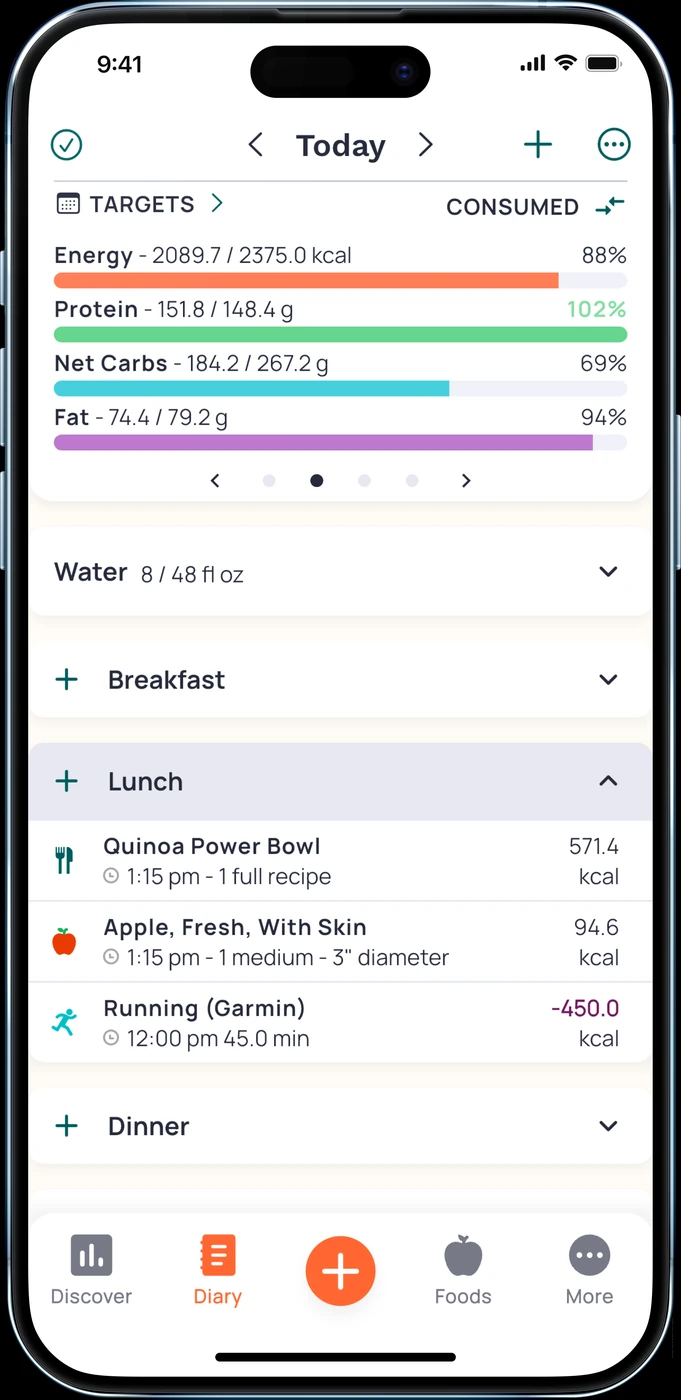
MyNetDiary Premium advertises web recipe import and meal-planning tools. Its import guide describes matching ingredients to database foods, editing ingredients and amounts, and changing servings. This fits someone whose cooking often starts with an online recipe that they then adapt. MyNetDiary Premium MyNetDiary import
The review step is part of that workflow. MyNetDiary's own example shows an import that selected canned tomato sauce instead of canned diced tomatoes. Its instructions ask you to check matches and fix the food or amount. Some sites behind logins or CAPTCHA do not allow import; the guide offers pasting ingredients or manual entry as alternatives. MyNetDiary import
For batch cooking, MyNetDiary's manual-entry guide documents a recipe-weight field and says you can override the ingredient-based weight by weighing the finished recipe. It also distinguishes saving a meal with changeable components from saving a recipe that loads as a single item. Those are useful controls to inspect if tomorrow's portion differs or you regularly swap a smoothie ingredient. MyNetDiary recipes
Access and transfer limits
Check access to those exact controls before buying. Premium clearly advertises web imports, but the manual-entry article is not a complete subscription comparison. We have not established every manual recipe control's tier. Nor have we verified that your existing recipes will transfer from another app. MyNetDiary Premium MyNetDiary recipes
Before switching, try your actual cooking routine
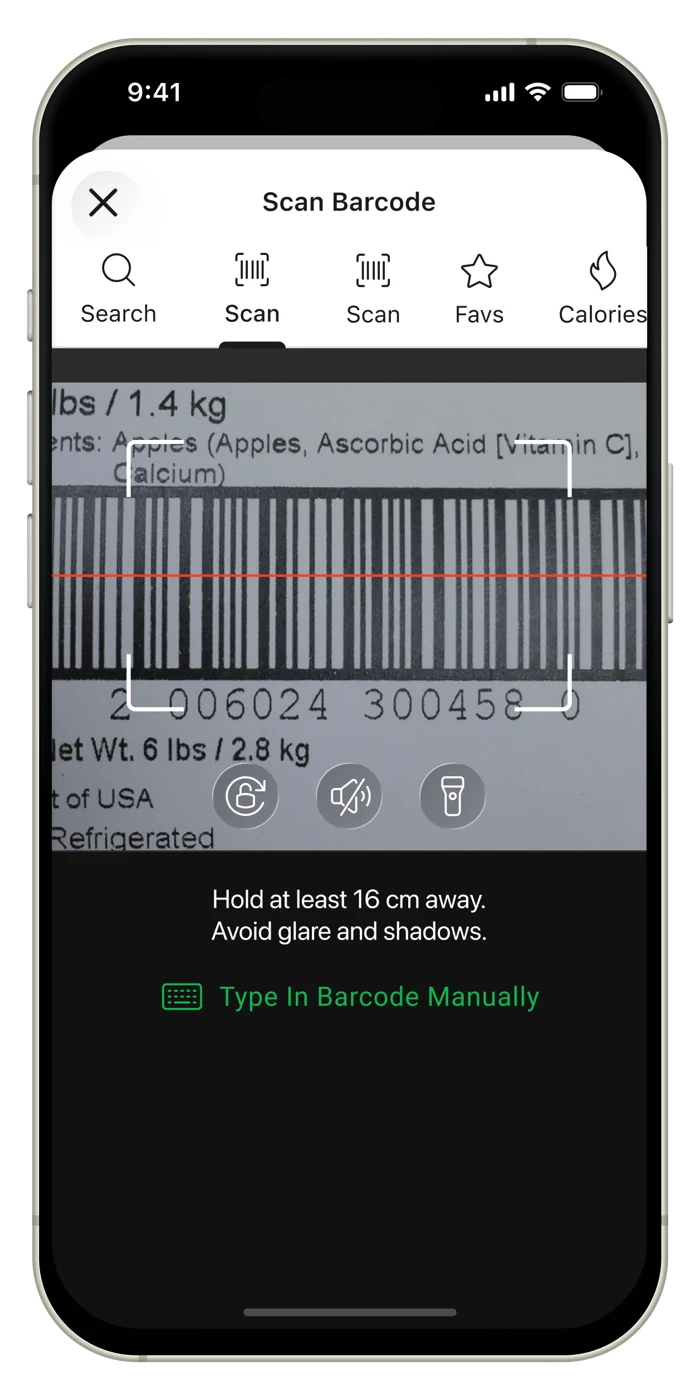
Use a familiar dish for your own trial. Keep its ingredient list beside the app and inspect the matches, quantities and serving basis. Where you need a finished-weight control, check that the app accepts the finished dish's weight rather than relying only on the sum of ingredient weights. MyNetDiary documents that distinction; we have not tested it on a device. MyNetDiary recipes
Then try a meal whose components vary. A salad and its dressing are a useful check: MyNetDiary suggests saving them as separate recipes when you will use only some of the dressing. That tests whether you can log what you actually served without repeatedly editing the whole dish. MyNetDiary import
Finally, find the saved entry again and try changing it. Check what happens to previously logged meals before relying on an edit, and keep your old diary available while you evaluate the replacement. We have not verified historical-entry behavior or automatic recipe migration for these apps. If your current tracker already handles your repeated dishes and portions well, keeping it may save more work than switching.
Questions that settle the choice
Which option documents free custom recipes?
Cronometer Basic includes custom meals and recipes with ongoing free access. The Recipe Importer and photo logging are Gold features. Choose the feature you need before deciding whether to pay. Cronometer Basic Cronometer recipes
Can a photo replace an ingredient recipe?
A photo estimate cannot establish measured ingredient amounts. Alongside editable estimates and favorites, 123 Cal's release notes describe saved recipes, batch sizes and portion re-logging. That gives you a documented reuse option to investigate, but does not establish measured finished-weight input or allocation by grams. If those controls matter to your cooking, check them and the saved-recipe access terms before subscribing. App Store US App Store UA
Should I switch just to get AI logging?
First check what would happen to the recipes you already use. If the problem is choosing a photo-entry app rather than managing home-cooked recipes, our AI food tracker guide compares that broader shortlist. This guide focuses on the cooking and reuse steps that a camera feature alone does not settle.
If an editable estimate is the workflow you want, explore 123 Cal. If your priority is a saved ingredient recipe, start with the recipe controls described above.
Sources
- 123 Cal: US App Store listing.
- 123 Cal: Ukrainian App Store listing.
- Cronometer: free Basic features.
- Cronometer: custom meals and recipes.
- Cronometer: Gold features.
- MyNetDiary: Premium and Premium Plus tools.
- MyNetDiary: importing and checking recipes.
- MyNetDiary: manual recipes, recipe weight and saved meals.