Compare the wrist action you actually need
Prices are US/USD observations from 18 September 2026. The table separates permanent free diary access from the tier needed for a particular wrist action.
Comparison table. Scroll horizontally to see every column.
| App | Native Watch app | Calories and protein view | Wrist entry | Complications or widgets | Free access | Paid access | Best-fit task |
|---|---|---|---|---|---|---|---|
| 123 Cal, our app | Public listing says yes | Remaining calories and protein | Recent-meal re-log, dictated meal, water | Protein remaining on the watch face, per listing | Listing advertises first 3 days free; check eligibility in app | Scanning after trial needs Pro; US labels Weekly $3.99, Yearly $39.99 | Check remaining budget and repeat a recent meal |
| MacroFactor | Yes | Current/remaining nutrition views | Voice, saved foods/recipes, portion edits, weight | Nutrient complications, including protein | Seven-day trial; no ongoing free tier | $11.99/month, $47.99/half year, $71.99/year | Review and edit food alongside adaptive coaching |
| Cronometer | Yes | Consumed/remaining energy; highlighted nutrients chosen on phone | Add Food widget lists recent foods | Energy and recent-food widgets; protein-specific complication unverified | Basic diary; free All Targets Score; all nutrition scores need Gold | Gold $10.99/month or $59.99/year, billed annually | Check energy and repeat recent foods |
| MacrosFirst | Yes | Calories/macros; Siri can report protein remaining | Siri food, water and weight commands | Configurable nutrient complications | Free gram goals/barcode diary; complete Watch tier boundary unverified | Food AI/Siri logging is Premium; price shown in app | Dictate food and choose nutrients for the watch face |
| Foodnoms | Yes | Goals/macros documented; exact protein-remaining Watch presentation unverified | Log favorites | Watch complications documented | Ad-free core diary; favorites require Plus | Current Foodnoms+ offer shown in app | Re-log favorite foods across Apple devices |
A Watch app can show a daily total without letting you enter a meal. A complication is a small field on the watch face; it is separate from opening the full app. Voice entry and a list of recent foods are different ways to log. A photo feature generally belongs to the phone workflow.
All five products below document native Watch functionality. We have not verified phone-independent use, offline behavior or performance on a particular Watch model. “Not verified” in the table means the evidence did not answer the question.
Our recommendation · our own app
1. 123 Cal: remaining calories and protein at a glance
We make 123 Cal and recommend it first for editable meal-photo or description estimates and calorie/protein tracking. This is our editorial choice, not an independent accuracy award.
Open the App Store ↗US and Ukrainian App Store listings advertise the first 3 days free, then Pro is required to keep scanning. Check eligibility and subscription terms in the app.



English UI. Developer-supplied iPhone images, not our test results. Official source.
Our app. The public 123 Cal listing describes a Watch view showing calories and protein remaining. It also describes re-logging a recent meal, dictating a meal description and adding water in 250 ml taps. The phone workflow includes photo, text and voice estimates that remain editable.13
This is a possible fit when you mainly want to check the rest of the day's budget between meals. Recent-meal re-logging may also fit a repeated lunch.
Apple’s US and Ukrainian listings showed public version 1.2 on 24 September 2026. The descriptions now include barcode and Nutrition Facts label scanning on the phone, plus protein remaining on the watch face. These are listing claims; we have not tested them on a device. Offline use and operation without an iPhone remain unverified. Ukrainian storefront.
Why choose it: remaining calories/protein and editable meal estimates match your daily routine.
Main drawback: the listings advertise the first 3 days free, then require Pro to keep scanning meals. This is a trial, not a documented ongoing free scanning allowance. US purchase labels show “Weekly $3.99” and “Yearly $39.99”; these are not Ukrainian prices. We have not verified checkout eligibility or renewal terms for your account. Check the offer before subscribing.
For 123 Cal, check the current App Store offer. The download is free; unlimited scanning requires Pro.
2. MacroFactor: food editing on the wrist, with paid coaching
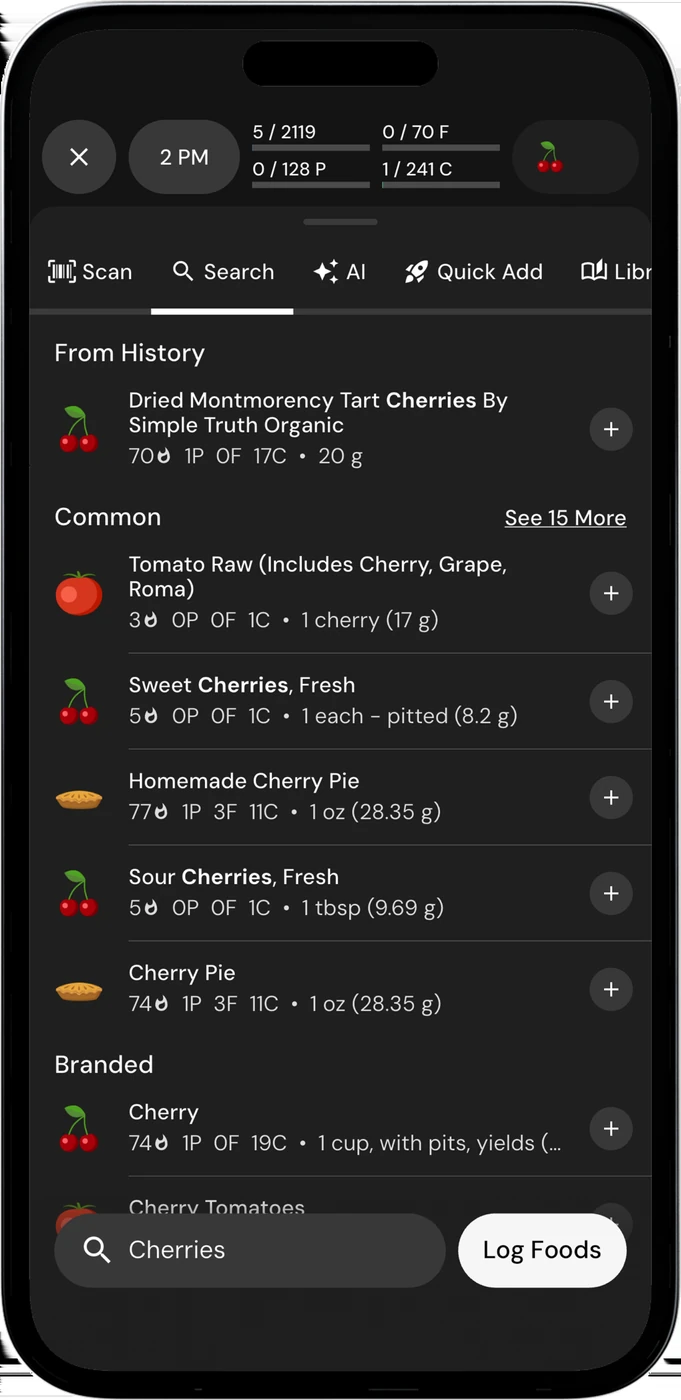
English UI. Developer-supplied iPhone images, not our test results. Official source. From the press kit; images belong to the developer. No endorsement implied.
MacroFactor documents more than a nutrition summary on Apple Watch. Its timeline lets you review entries and add foods at a chosen point in the day. The Watch logging interface includes custom foods, recipes, favorites and recent items. You can change a serving or quantity before logging.1
Voice entry produces an editable suggestion. The nutrition overview switches between current and remaining values, and nutrient complications include protein. The Watch app also supports weight logging. Consider it if you want to edit your diary from your wrist.
On the phone, MacroFactor combines its diary with adaptive expenditure estimates and weekly target updates. Its current documentation also includes photo, voice and text AI logging.2, 4
Why choose it: you want Watch food-entry controls and already value adaptive coaching.
Main drawback: there is no ongoing free tier. The seven-day trial leads to a paid subscription. Official single-app US prices are $11.99 per month, $47.99 per half year or $71.99 per year. A separate bundle with MacroFactor Workouts has different terms.3
If you only need to check calories, consider whether you will use the coaching and editing tools enough to pay for them.
3. Cronometer: energy views and a recent-food widget
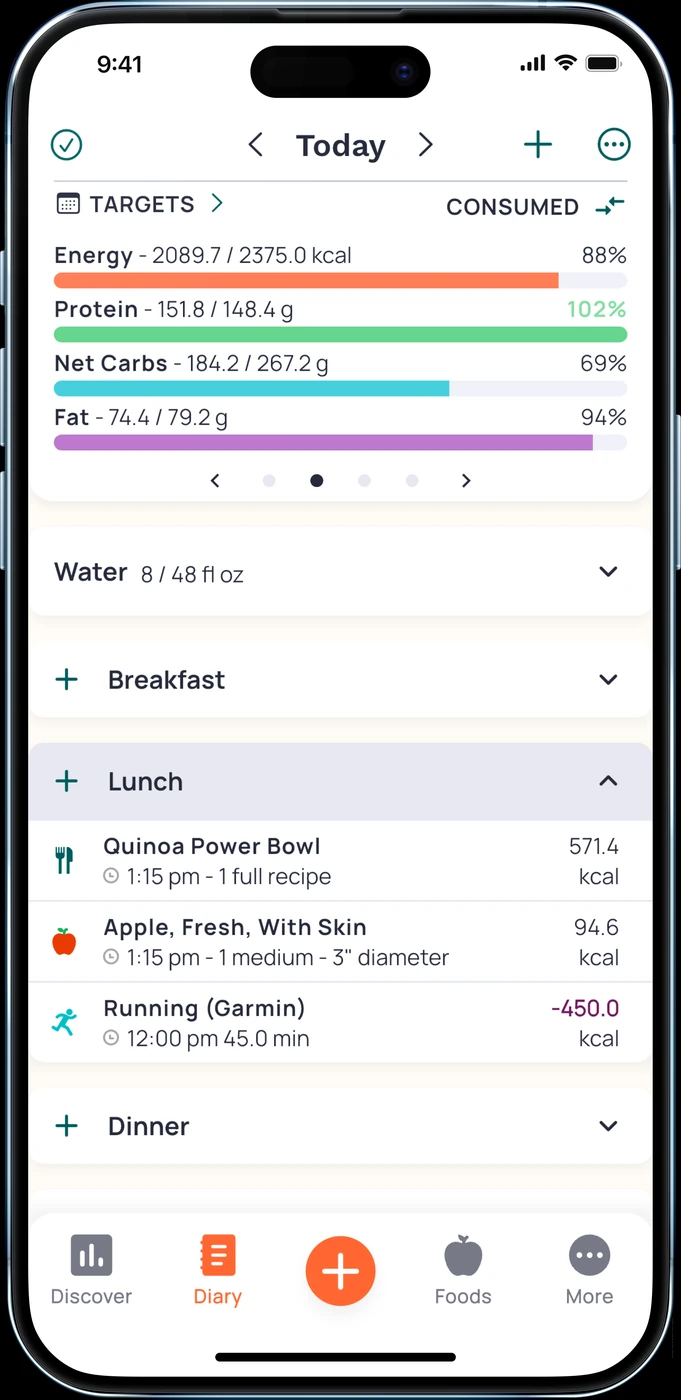
English UI. Developer-supplied iPhone images, not our test results. Official source. From the press kit; images belong to the developer. No endorsement implied.
Cronometer's Watch documentation describes consumed energy, remaining energy, highlighted nutrients and nutrition scores. The phone app controls which highlighted nutrients appear. If that section is disabled on the phone, it is also disabled on the Watch.5
The Add Food widget lists foods by Most Recent. That gives you a concrete wrist action to evaluate if you often repeat food already in your diary. The cited help page does not establish Watch voice entry or a dedicated protein complication.
Cronometer has an ongoing free Basic account. On Watch, free users can see All Targets Score; access to all nutrition scores requires Gold.6, 5
Why choose it: you want to begin with a free nutrition diary and check energy or add recent foods from your wrist.
Main drawback: some extras cost more, and the precise protein presentation you want may need checking. Gold includes phone Photo Log and Voice Log and is listed at $10.99 monthly or $59.99 annually on the website.7
Pick the phone's highlighted nutrients deliberately, then inspect the Watch display before paying for features you expect to see there.
4. MacrosFirst: Siri entry and configurable nutrient fields
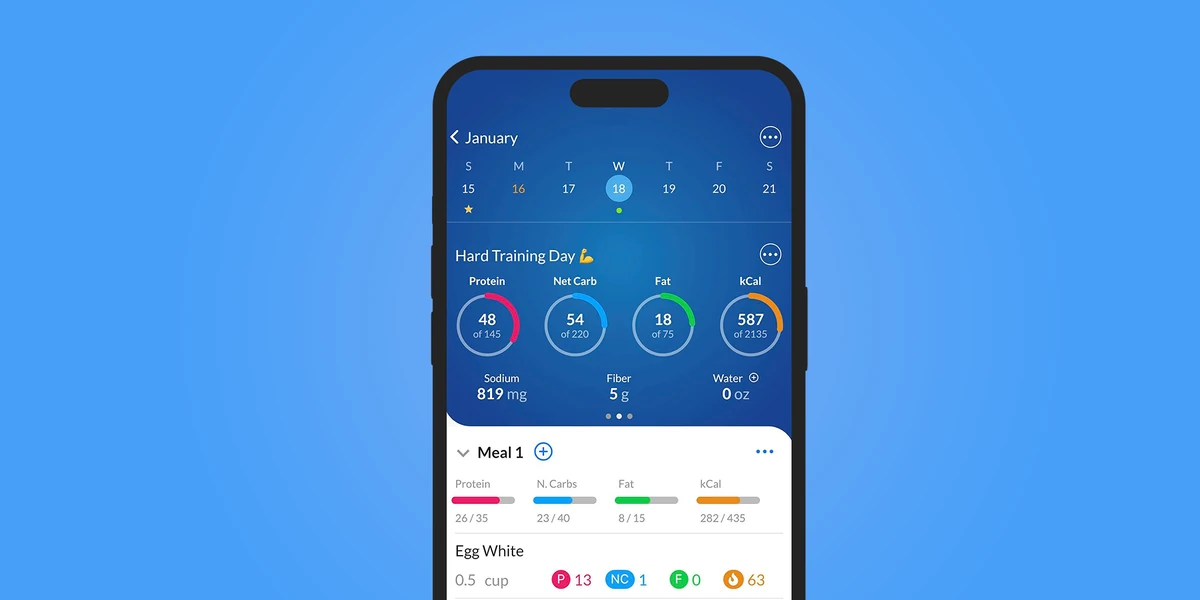
English UI. Developer-supplied iPhone images, not our test results. Official source. From the press kit; images belong to the developer. No endorsement implied.
MacrosFirst describes three parts to its Watch experience: the app itself, watch-face complications and Siri commands. Open the app for daily calories, macros and pinned nutrients. Configure complications to display selected nutrients. Ask Siri about protein remaining or use commands to log food, water or weight.8
That is a useful combination to investigate if your hands are occupied while preparing food.
Why choose it: you want to dictate food through Siri or choose which nutrient appears on the watch face, alongside a gram-based diary.
The subscription boundary matters. MacrosFirst's Premium help places AI Search, including Siri food logging, in Premium. Its free core includes macro goals in grams, meal macro totals and barcode scanning. We have not fully resolved the free-versus-paid boundary for Watch displays and complications.9
Main drawback: the documented AI food-entry route requires Premium, and a dependable current price needs an in-app check. The captured US store lists generic Premium purchases without their billing periods.10
Confirm the Siri action and subscription offer you intend to use. We have not tested recognition accuracy, language support or connectivity requirements on a device.
5. Foodnoms: repeat favorite foods from Apple Watch
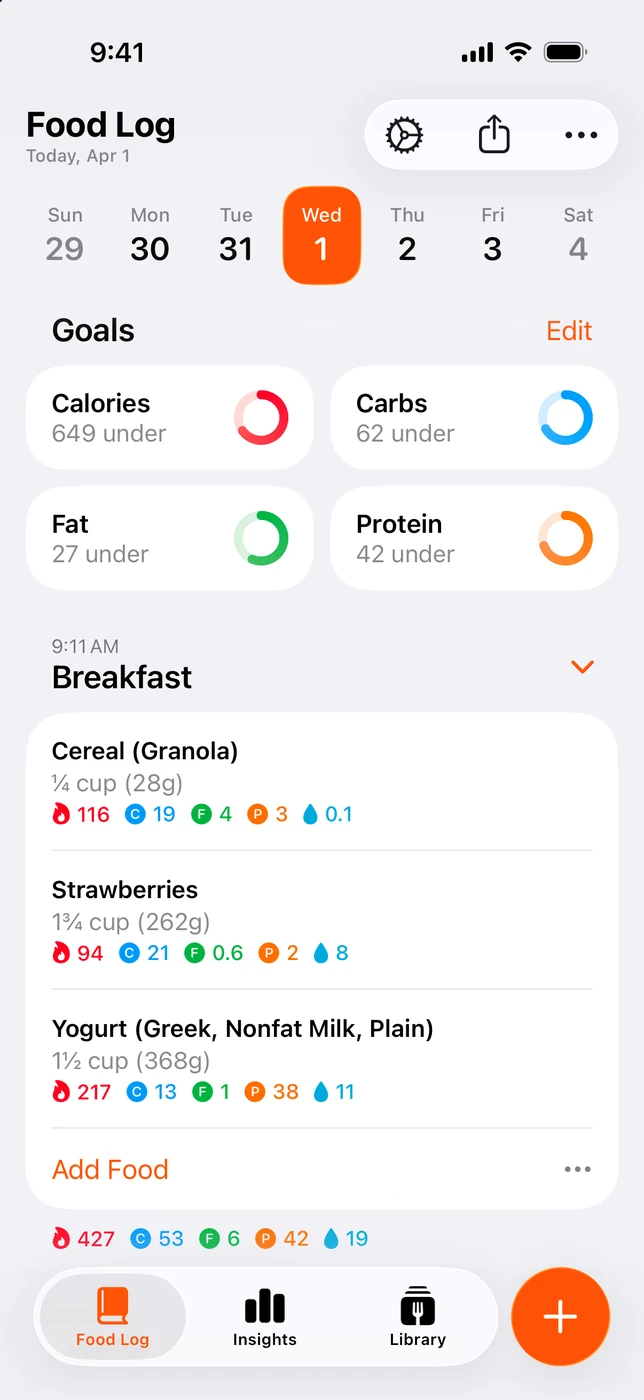
English UI. Developer-supplied iPhone images, not our test results. Official source. From the press kit; images belong to the developer. No endorsement implied.
Foodnoms' App Store description names a specific Watch workflow: logging favorites from your wrist. It also lists Watch complications. For someone who repeats a familiar breakfast or snack, that is a useful feature to check rather than assuming they need to dictate every meal.11
Favorites require Foodnoms+. The free plan still includes unlimited food tracking, barcode scanning, calorie and macro goals, recipes and meals. Saving a recipe in the free plan does not make it a Watch favorite.11, 12
Foodnoms runs on iPhone, iPad, Mac and Apple Watch. Plus adds photo/text AI logging and Calibrated Energy alongside other tools. Those extras may matter if you also plan to log meals on your other Apple devices.
Why choose it: repeating favorites is your main wrist task, and the Apple-device diary appeals to you.
Main drawback: that favorite-based workflow needs Plus. The exact protein-remaining presentation and operation without a nearby phone were not verified for this guide.
Foodnoms asks readers to check regional pricing in the app. Multiple annual and monthly labels appear in the US store, including separate family offers. We are leaving the current price open rather than selecting a potentially inapplicable purchase label.12
Native Watch app, Health sync and phone camera: separate features
Apple Health integration describes data exchange. It can let a diary read activity or write nutrition, depending on the app and permissions. It does not by itself establish an installable Watch app, a watch-face field or a way to log lunch from your wrist.
A native Watch app is a separate interface. Even then, confirm the action you need. Cronometer documents recent foods; Foodnoms names favorites; MacroFactor describes serving edits. Those differences can change which app suits your routine more than the presence of a Watch logo.
Apple Watch has no built-in meal camera. Photo logging in these comparisons refers to the phone workflow. Dictating a description from the wrist is a different input method. MacrosFirst explicitly excludes camera-dependent Siri commands from its Watch support.8
Before relying on a Watch view, set the phone's goals and permissions, log a meal, and check whether the expected numbers appear. If you want to leave your phone at home, check that exact use case before subscribing.
Which should you pick?
If a free diary matters most, compare Cronometer, MacrosFirst and Foodnoms on the phone first. Then confirm whether your chosen wrist action belongs to the free plan. Foodnoms favorites and MacrosFirst AI food logging are paid examples.
If adaptive coaching is part of your routine, keep MacroFactor in consideration. If you chiefly want remaining calories/protein and a photo-first phone diary, consider 123 Cal with its Pro limits in mind. A dedicated protein complication is documented for MacroFactor; MacrosFirst also documents configurable nutrient complications. We have not confirmed that detail for every app here.
You do not need to switch a working food diary merely to get another way to look at the same total. Check its existing Watch features first.
Frequently asked questions
Can I log food from Apple Watch?
Yes, the documented options include recent foods in Cronometer, favorites in Foodnoms, voice and saved entries in MacroFactor, Siri food logging in MacrosFirst, and recent-meal or dictated entry in 123 Cal. Tiers and entry methods differ.
Which apps show protein remaining?
123 Cal's public listing explicitly describes it. MacroFactor documents current/remaining nutrient views. MacrosFirst documents a Siri protein-remaining query. Cronometer has configurable highlighted nutrients, while Foodnoms documents goals and macros; the exact remaining-protein Watch presentation for those two was not verified.
Does Health integration mean an app has a Watch app?
No. Look for an explicit Watch app description and its available actions. Reading activity data is a different capability from logging food on the wrist.
Do I need a paid tier?
It depends on the action. MacroFactor is subscription-only after its trial. MacrosFirst's AI/Siri food logging and Foodnoms favorites are paid. Cronometer distinguishes free and Gold nutrition scores. Some other Watch tier boundaries remain unverified.
Can Apple Watch photograph my meal?
There is no built-in Watch camera for meal photos. Use the phone for photo entry and the documented wrist tools for viewing, dictation or repeat logging.
Is 123 Cal free?
The download is free. Apple’s US and Ukrainian listings advertise the first 3 days free, then Pro is required to keep scanning meals. Check trial eligibility, price and renewal terms in the app before subscribing; we did not verify regional checkout offers.
For 123 Cal's described workflow, check the App Store listing. The download is free; unlimited scanning requires Pro. For a phone-photo comparison, see 123 Cal vs Cal AI.
Sources and scope
Competitor descriptions and help pages checked 18 September 2026. 123 Cal version 1.2, trial, barcode/label scanning and watch-face wording rechecked in Apple’s US and Ukrainian storefronts on 24 September 2026. Both retrieved descriptions were in English; storefront availability does not establish Ukrainian voice recognition or checkout eligibility. No app was installed or timed for this guide. We did not verify competitor Ukrainian pricing, Siri language support or phone-independent operation. Confirm current OS compatibility, the in-app offer and your chosen wrist action before purchase.
- MacroFactor Watch features
- MacroFactor trial and coaching
- MacroFactor single-app prices
- MacroFactor's own current photo, voice and text features
- Cronometer Watch widgets and score tiers
- Cronometer free Basic account
- Cronometer Gold prices and logging features
- MacrosFirst Watch app, Siri and complications
- MacrosFirst free features and Premium AI Search
- MacrosFirst US purchase labels
- Foodnoms Watch favorites and free/Plus features
- Foodnoms plans and regional pricing
- 123 Cal public description and US purchase labels