
OUR RECOMMENDATION · OUR OWN APP
Our recommended alternative: 123 Cal
Open the App Store ↗


English UI. Developer-supplied iPhone images, not our test results. Official source.
Our app. For readers who mainly want editable meal-photo estimates and a clear calorie/protein view, 123 Cal is our first editorial recommendation among alternatives to this pair. Its public listing describes photo, typed and dictated meals, plus remaining calories and protein on Apple Watch. This is a workflow recommendation, not a claim that it beats either app in accuracy or results. 123 Cal listing.
Choose Cronometer Basic instead if an established ongoing free diary is your requirement. Keep MacroFactor on your shortlist if adaptive weekly targets are the reason you are shopping. We have not established an equivalent coaching process in 123 Cal. It is free to download; unlimited scanning requires Pro. The US App Store listing rechecked on 13 October 2026 advertises the first three days free, then Pro for continued meal scanning. An ongoing free scanning allowance is not established; check the offer and renewal terms shown to your account.
See 123 Cal on the App Store. Check the current in-app offer before subscribing.
Compare the two apps
Comparison table. Scroll horizontally to see every column.
| Decision | MacroFactor | Cronometer |
|---|---|---|
| Main fit | Adaptive calorie and macro targets with weekly check-ins | Detailed food and nutrient diary, with optional Gold tools |
| Ongoing free diary | No; the public listing advertises a seven-day trial | Basic can be used indefinitely |
| Photo and voice meals | Current documentation includes both | Photo Log and Voice Log are Gold features |
| Nutrient detail | Macro and micronutrient reporting | Macro and micronutrient tracking; Gold adds custom charts |
| Guidance | Expenditure estimate and weekly target adjustments | Gold's Crono Coach gives guidance from your data, goals and settings |
| Apple Watch | Food timeline, voice entry, portion changes and nutrient views | Energy and nutrient views, recent-food entry; some scores require Gold |
| Published US price | $11.99/month or $71.99/year for the nutrition app | Basic free; Gold $10.99/month or $59.99/year, billed annually |
Sources: MacroFactor listing, pricing, current logging features and Watch guide; Cronometer Basic, Gold and Watch guide. Prices are published US/USD offers, not a checkout test.
When MacroFactor earns its subscription
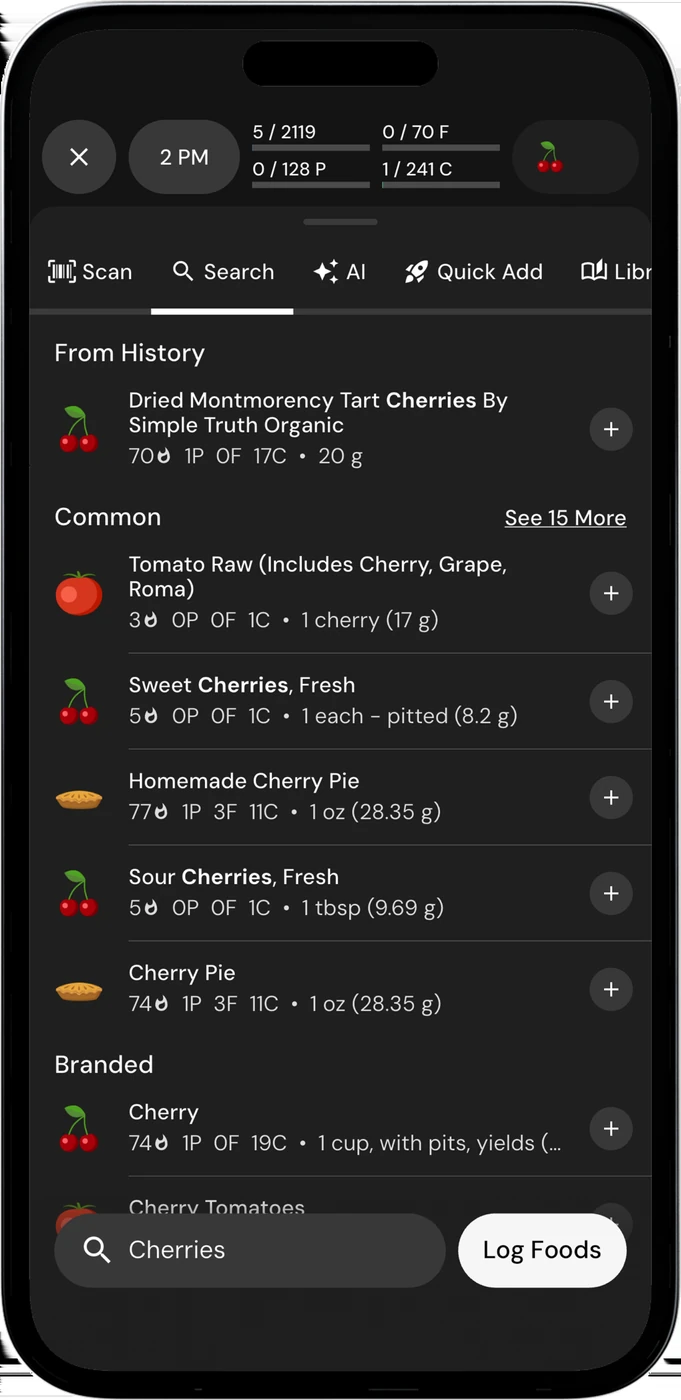
English UI. Developer-supplied iPhone images, not our test results. Official source. From the press kit; images belong to the developer. No endorsement implied.
MacroFactor estimates energy expenditure using food intake and changes in weight trend. Its weekly check-ins can then update calorie and macro targets. That is a specific reason to choose it if you want help adjusting your plan as your data changes. The expenditure estimate depends on the information you record; it is not a direct measurement of your metabolism. How expenditure works.
Before subscribing, ask whether you are willing to maintain both the food log and weight records needed for that process. If you mainly want a record of lunch and daily protein, you may use only part of what you pay for. If you already rely on the weekly adjustments, switching to a different diary means checking how the replacement makes those decisions.
MacroFactor also reports micronutrients and documents photo, voice and text AI logging. Compare the entry and review tools you would use in each app. Features; AI logging.
When Cronometer is the better fit
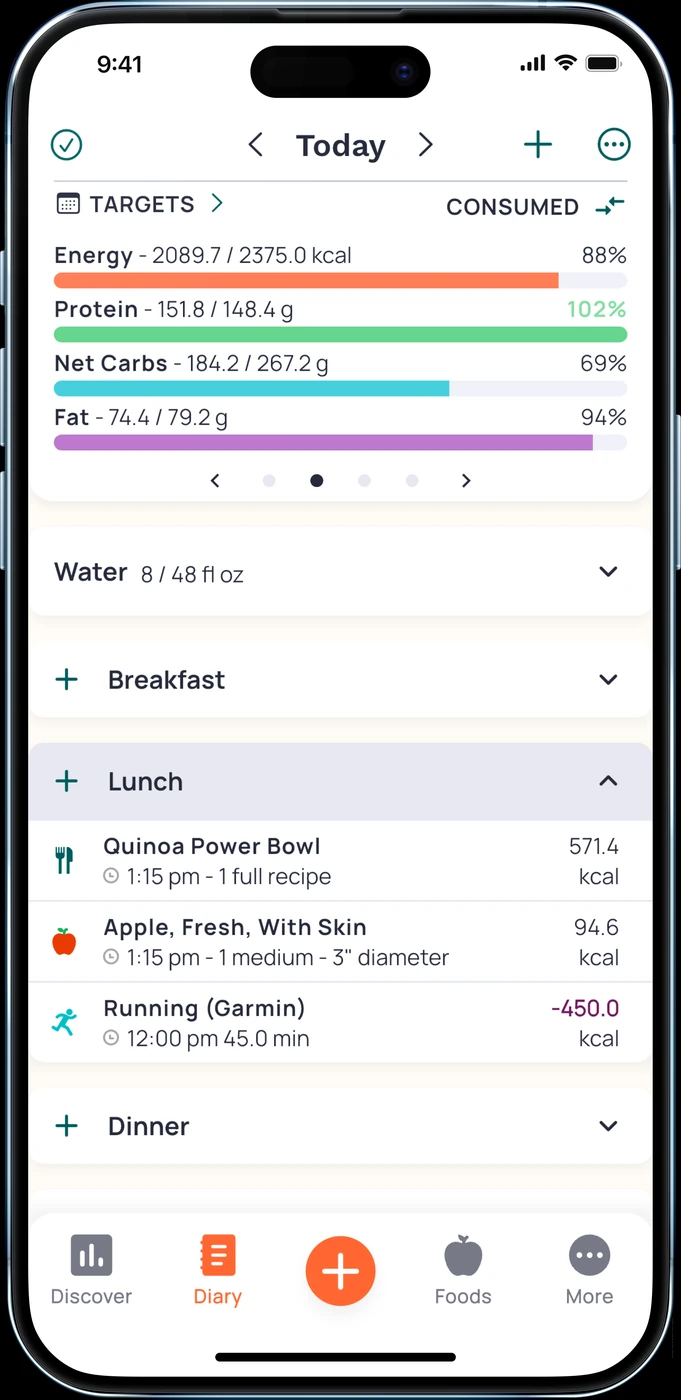
English UI. Developer-supplied iPhone images, not our test results. Official source. From the press kit; images belong to the developer. No endorsement implied.
Cronometer Basic is a useful starting point when you want to keep everyday tracking free. The developer documents custom foods and recipes, data export and access to nutrient data. Its homepage also lists a free barcode scanner. Start with a packaged food and a recipe you actually cook to see whether this covers your routine. Basic plan; barcode and nutrient tracking.
Gold changes the comparison. It adds Photo Log, Voice Log, recipe import, scheduled repeat entries and custom charts. Crono Coach is also a Gold feature: the developer describes an assistant that uses your data, goals and settings to provide guidance. The sources do not establish that Crono Coach follows MacroFactor's expenditure and weekly check-in process. Gold features.
Pay for Gold if its particular tools solve a recurring task. A person who imports recipes and reviews nutrient charts has different needs from someone who only checks protein remaining. A longer feature list does not settle that choice.
Photos, wrist controls and a useful trial check
Try your usual breakfast, a mixed meal and a repeated snack in whichever plan you are considering. Check the selected food, portion and result before relying on the daily total. A photo estimate still needs your judgment about ingredients and amounts. We have no controlled accuracy comparison between these apps.
On Apple Watch, compare the action you will use. MacroFactor documents portion editing and voice logging. Cronometer documents recent-food entry and nutrient views; its All Targets Score is free, while access to the full set of nutrition scores requires Gold. A phone screenshot cannot establish how either app works on your wrist. MacroFactor Watch; Cronometer Watch.
Questions before you choose
Is Cronometer cheaper?
Basic has ongoing free access. For the published US paid plans above, Gold's monthly and annual prices are lower than MacroFactor's corresponding plans. Check your storefront, taxes and account offer; the comparison does not prove better value for your particular routine.
Which is better for lifting?
MacroFactor is the more direct fit if you want its adaptive target process. Cronometer fits a lifter who already has a plan and wants a detailed diary. Neither description establishes better muscle gain or fat loss.
Should I move all my history immediately?
First check export and import formats, including recipes and custom foods. An export does not guarantee import into another app. Keep your old records until the replacement covers the tasks you need. If your current routine works, there is no need to switch just to get another set of charts.
For a wider shortlist, read our MacroFactor alternatives. If editable photo estimates fit your routine, check 123 Cal's App Store listing.