Compare what you are paying for
Comparison table. Scroll horizontally to see every column.
| Choice | Main reason to consider it | Access terms | Important distinction |
|---|---|---|---|
| 123 Cal, our app | Review and correct meal estimates before saving | First 3 days advertised free, then Pro for continued scans [1][2] | A different diary does not replace your Macro Coach arrangement |
| MacroFactor | A documented intake-and-weight method for weekly target updates | 7-day trial, then subscription; no ongoing free version [5] | Compare against Macro Coach, not against the basic My Macros+ logger |
| Cronometer Basic | Detailed food records and raw-data export | Free indefinitely; advanced tools belong to Gold [6] | An exported file is separate from live access for a coach |
| Keep My Macros+ | Existing foods, My Circle and the features you already use | Current US download is free; Pro and Macro Coach are optional subscriptions [3][4] | The Macro Coach web offer includes Pro features; check your actual offer before buying both |
The current My Macros+ listing places unlimited macro goals and spreadsheet export among Pro features. Macro Coach's web page separately advertises initial recommendations, weekly updates and all Pro features included. These labels describe different jobs, but the published coaching bundle overlaps with Pro. Confirm the subscription and billing channel you already have before comparing the total cost of leaving. [3][4]
OUR RECOMMENDATION · OUR OWN APP
 1. 123 Cal: our recommendation if you want to change the meal review
Open the App Store ↗


English UI. Developer-supplied iPhone images, not our test results. Official source.
Consider 123 Cal when your priority is getting a meal estimate into a form you can review. Its listing describes adding portion and cooking notes before a photo is analyzed, correcting the result by voice or text, and confirming the corrected meal. It also documents barcode and nutrition-label scanning, saved meals and protein remaining on the Apple Watch. [1][2]
My Macros+ already advertises AI photo scanning, barcode and label scanning, and Watch logging. The choice is how each app handles your ordinary meals, rather than whether either has an AI feature. Pick a mixed dish you eat often and see whether you can correct the portion and ingredients without losing track of what changed. We have not measured which app makes that faster. [1][3]
Trial and shared-food limits
The 123 Cal listings advertise a 3-day trial, with Pro required for continued meal scanning. Check your regional price and trial eligibility. Our recommendation does not establish that 123 Cal imports a My Circle library, reproduces Macro Coach or accepts your existing subscription. [1][2]
If your coach or friends share foods through My Circle, that existing library deserves weight in your decision. My Macros+ documents copying their custom foods, meals and recipes into your library. Rebuilding those entries could cost more effort than the logging change saves. [3]
2. MacroFactor: compare its adjustment method with Macro Coach
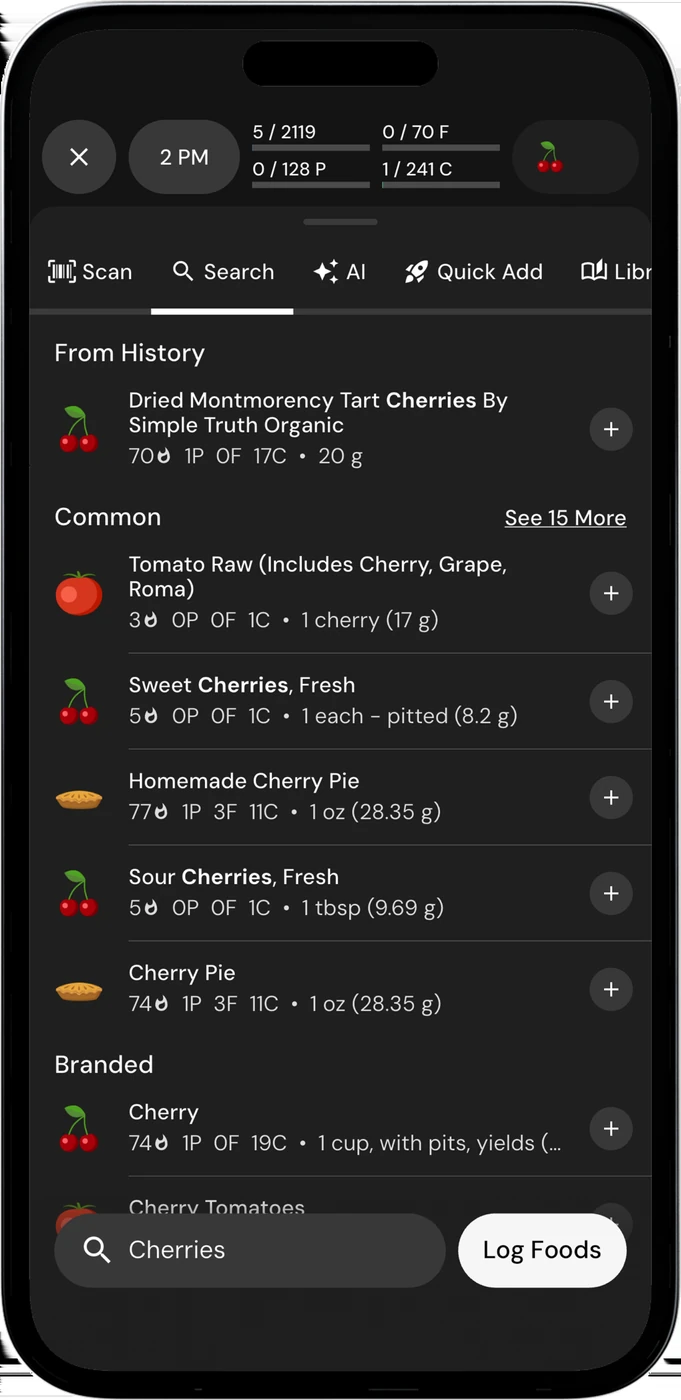
English UI. Developer-supplied iPhone images, not our test results. Official source. From the press kit; images belong to the developer. No endorsement implied.
If automatic macro changes are what you want, start with a fair comparison. My Macros+ already offers Macro Coach as an optional subscription. Its developer says it sets starting macros from a questionnaire and updates recommendations through weekly check-ins. You do not have to leave My Macros+ merely to investigate automated coaching. [3][4]
MacroFactor explains its approach through recorded calorie intake and changes in body weight. It estimates expenditure and adjusts the plan weekly; coached, collaborative and manual modes are documented. This gives you a specific method to evaluate against the check-in routine you have in Macro Coach. It does not prove that either app will produce better results for you. [5]
Logging requirements and paid access
MacroFactor cautions that partially logged days can distort its expenditure estimate. Think about whether you can provide sufficiently complete food records and regular weight entries. A different adjustment algorithm will still be working with the data you supply. [5]
The nutrition app advertises a 7-day trial and has no ongoing free tier. Macro Coach's public web offer advertises a 14-day trial and includes Pro features. Trial lengths and bundles are published offers, not verified eligibility for your account or a promise that every storefront matches the website. [4][5]
Our MacroFactor alternatives guide covers reasons to keep manual targets instead. That is relevant if a human coach already provides your numbers and you do not need another source of weekly changes.
 3. Cronometer: when you need your data in a file
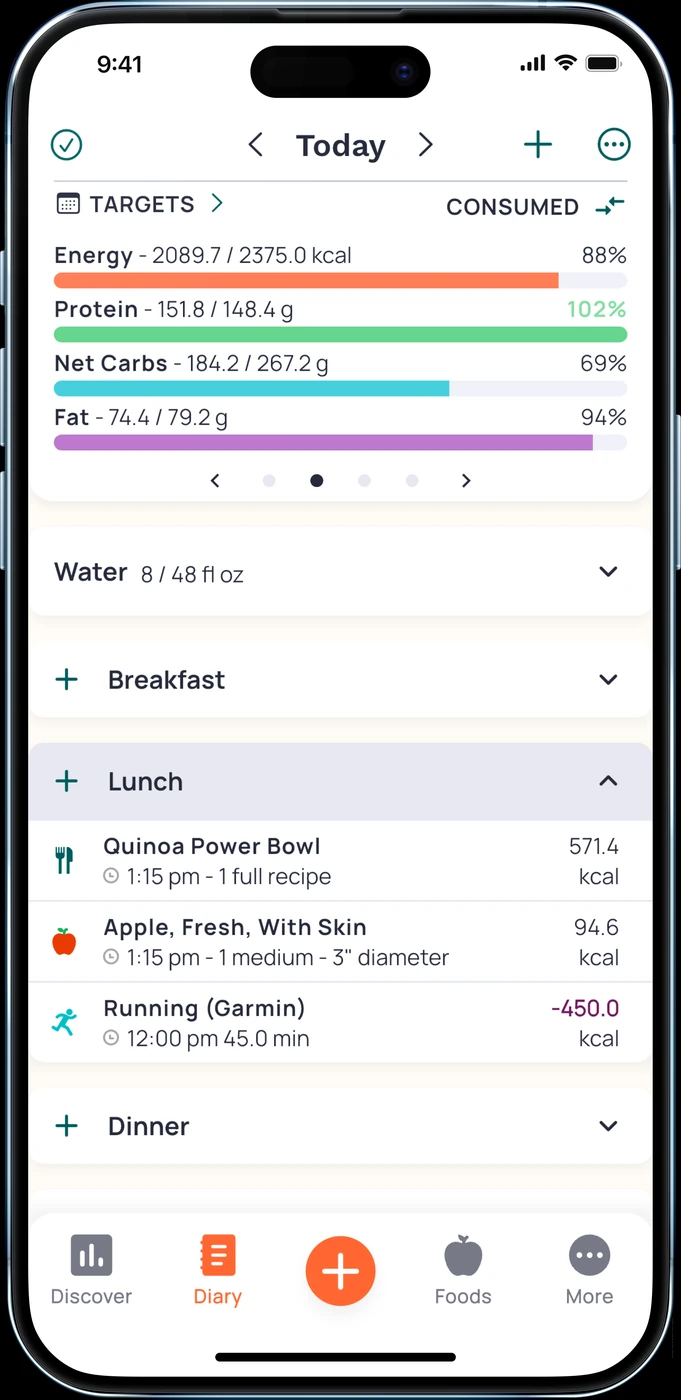
English UI. Developer-supplied iPhone images, not our test results. Official source. From the press kit; images belong to the developer. No endorsement implied.
Cronometer Basic is worth considering if access to your own food records is the sticking point. Its subscription documentation includes custom foods and recipes, limited analysis, and export of all raw data in the free account. My Macros+'s current listing includes spreadsheet export among Pro features. [3][6]
That difference can matter when you want to inspect a diary in a spreadsheet without buying a paid analysis package. It does not establish that a Cronometer file matches your current template or transfers your recipe library intact. Open a sample export and check the dates, units and columns before relying on it.
Gold features and reasons to stay
Cronometer also has paid features. Gold includes longer-term charts, recipe importing and ad removal, while Professional is a separate subscription for managing client records. If you want to recreate My Circle's sharing arrangement, compare the actual recipient access and recipe-sharing behavior as well as the export button. [6]
For other nutrient-focused choices, see Cronometer alternatives. Keep this decision narrow: needing a file is different from needing a new target-setting system.
What is worth keeping in My Macros+
A familiar library is the most concrete reason to stay. The listing documents custom foods, serving-size editing, meal-level nutrition, offline food access, My Circle sharing and Watch actions for foods, water and bodyweight. These can remain useful even if you do not want automated coaching. [3]
The listing also ties unlimited meals and unlimited macro goals to Pro. Although other passages describe flexible meal naming more broadly, check the current tier for the exact setup you use. We have not verified grandfathered entitlements, a free AI-scan allowance or whether older purchases retain particular features. [3]
Do not assume Macro Coach and Pro always require two separate bills. The developer's coaching page explicitly says Pro features are included in its web offer. Conversely, buying Pro alone should not be treated as proof that you have Macro Coach. Check the product name and included features in your own subscription. [4]
A switching check that starts with your existing account
Before starting another subscription, write down what you currently use: food logging, extra meal categories, several target sets, CSV export or Macro Coach check-ins. Read the name and renewal terms of your existing purchase. This prevents comparing a full coaching bundle against a replacement that only covers logging.
Then recreate a meal and, if relevant, the report your coach expects. Keep the original library while testing. Neither a matching calorie total nor an Apple Health connection proves that custom foods, recipes, notes and shared-library relationships have all moved.
If you decide to leave, cancel through the provider that bills you. Apple explains how to manage Apple-billed subscriptions; a web subscription needs its own billing process. Deleting a food diary is not a substitute for checking the renewal. [7]
Questions about replacing My Macros+
Is My Macros+ still a paid download?
The US App Store listing checked for this guide says Free with in-app purchases. That does not make every feature free: Pro and Macro Coach are described as optional subscriptions. Check your storefront rather than relying on an old download price. [3]
Does paying for Pro mean I have Macro Coach?
Do not infer that from the word Pro. The public Macro Coach page says its offer includes Pro features; the listing describes Macro Coach separately as an optional subscription. Read the exact product you are buying. [3][4]
Is MacroFactor necessary for automatic macro updates?
No. Macro Coach already advertises weekly recommendations within My Macros+. MacroFactor is another documented approach, based on intake and weight trends. Compare how you would supply records and review changes in each before switching. [4][5]