
OUR RECOMMENDATION · OUR OWN APP
Our recommended alternative: 123 Cal
Open the App Store ↗


English UI. Developer-supplied iPhone images, not our test results. Official source.
Our app. If the main task is estimating meals and checking daily calories and protein, 123 Cal is our first editorial recommendation among alternatives to this pair. The public listing describes editable photo, typed and dictated estimates, favorite meals and remaining calories/protein on Apple Watch. 123 Cal.
We are not presenting it as a substitute for MacroFactor's adaptive process or MacrosFirst's scheduled-food tools. Choose MacroFactor for the documented weekly target workflow, or MacrosFirst when free gram-based goals are the requirement. For 123 Cal, unlimited scanning requires Pro; the US App Store listing rechecked on 13 October 2026 advertises the first three days free, then Pro for continued meal scanning. An ongoing free scanning allowance is not established; check the offer and renewal terms shown to your account.
For 123 Cal, check the in-app offer for your region.
At a glance
Comparison table. Scroll horizontally to see every column.
| Decision | MacroFactor | MacrosFirst |
|---|---|---|
| Why choose it | Adaptive expenditure estimate and weekly calorie/macro updates | Free gram-based macro goals and meal-level tracking |
| Ongoing free diary | No; advertised seven-day trial | Yes, a documented free core |
| Barcode logging | Documented in the subscription app | Documented in the free tier |
| AI entry | Current documentation includes photo, voice and text | Premium photo, voice and text AI entry |
| Repeated food workflow | Recipes and logging tools; inspect your preferred repeat action | Premium recurring foods appear as scheduled placeholders, then count when logged |
| Nutrient detail | Macro and micronutrient reports | Nutrient reports; Premium includes custom micronutrient targets and expanded analysis |
| Apple Watch | Food timeline, voice logging, portion edits, nutrient views | Nutrition views, complications and Siri actions; AI food logging is Premium |
| Price boundary | US $11.99/month or $71.99/year for one app | Free core; official press kit lists US $11.99/month or $79.99/year for Premium |
Sources: MacroFactor listing, price, current AI features, Watch; MacrosFirst Premium guide, Watch, store listing and official press kit. A feature documented for one app but unverified for the other is not proof that the other lacks it.
MacroFactor when you want help changing the targets
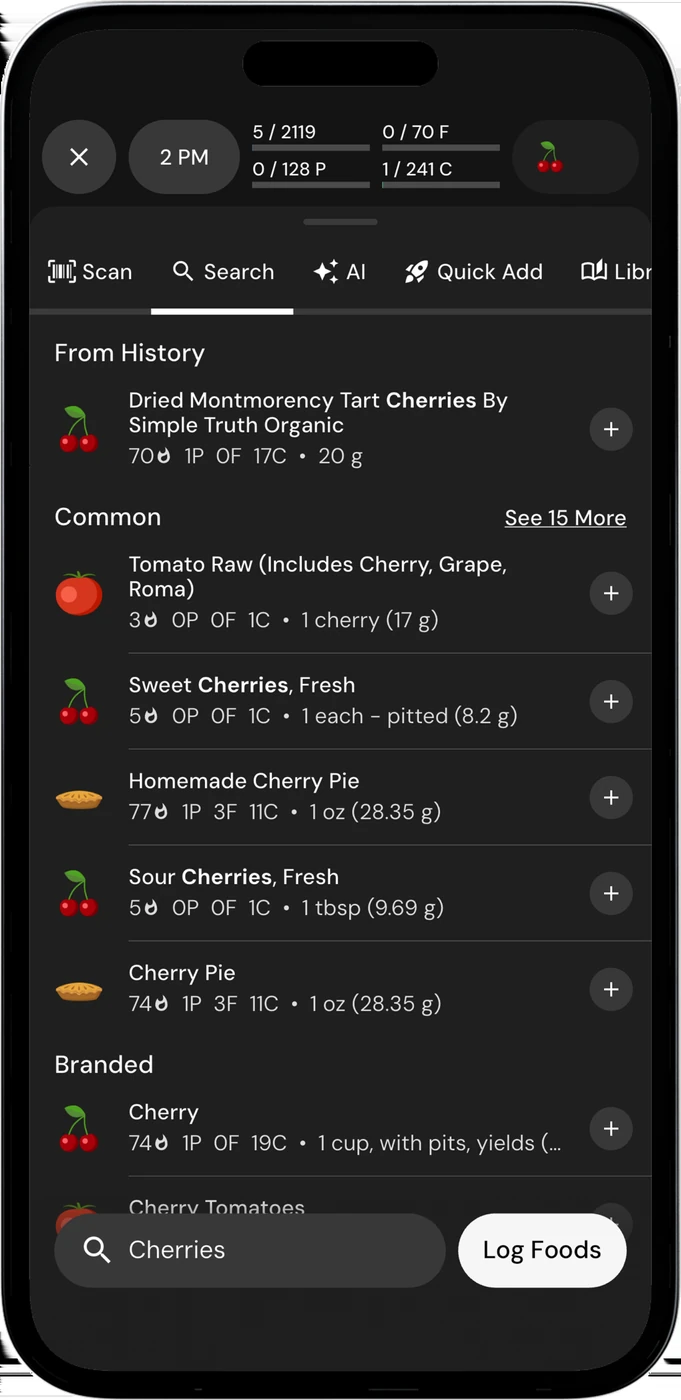
English UI. Developer-supplied iPhone images, not our test results. Official source. From the press kit; images belong to the developer. No endorsement implied.
MacroFactor's expenditure estimate uses recorded food intake and weight trend. Its weekly check-ins can adjust calorie and macro targets as your data changes. That fits someone who wants a defined process for reviewing the plan during weight loss, maintenance or weight gain. The source describes an estimate, not a laboratory measurement of energy use. Expenditure guide; weekly check-ins.
Think about the records you are willing to keep. If you want to use adaptive targets, food and weight data are part of the routine. MacroFactor warns that partially logged days can distort its estimate; a missing dinner is not the same as a complete food record. If you already follow targets set with a coach, decide whether another target-setting process adds something you need. We have not established that MacrosFirst uses an equivalent adaptive expenditure process.
MacroFactor is premium-only. Its public listing advertises a seven-day trial. The official pricing page lists the nutrition app separately from the Nutrition and Workouts bundle, so do not confuse the bundle with the single-app plan when comparing subscriptions. Trial; prices.
MacrosFirst when your targets are already decided
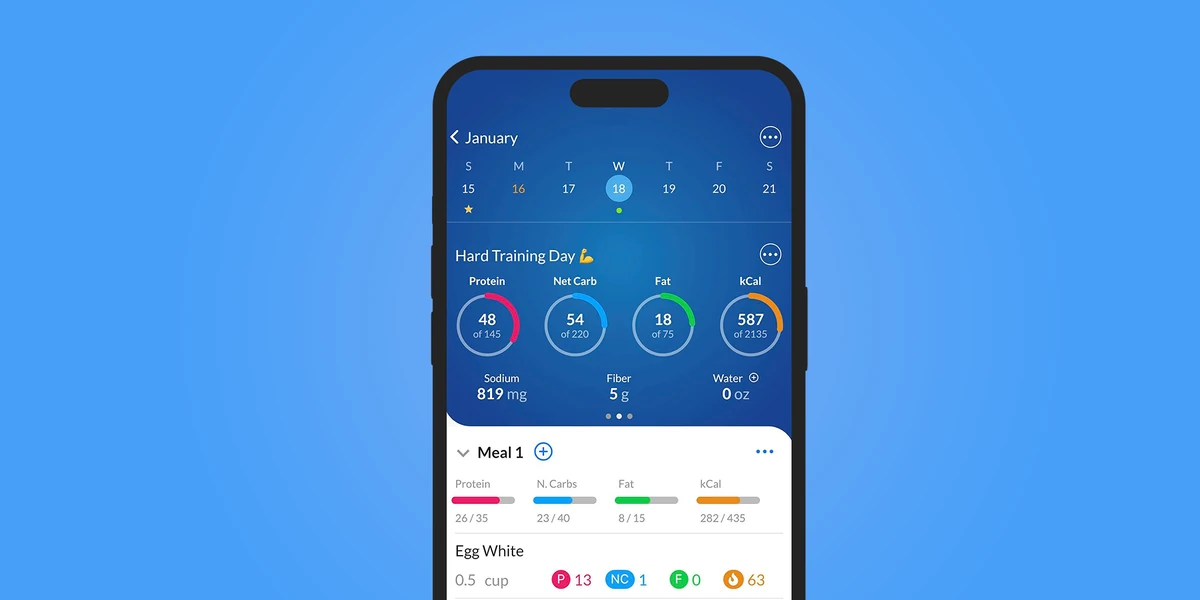
English UI. Developer-supplied iPhone images, not our test results. Official source. From the press kit; images belong to the developer. No endorsement implied.
MacrosFirst's free tier includes daily macro goals in grams, macro totals by meal and barcode scanning. That is a useful combination if you want to record breakfast and lunch against a plan you have already chosen. It is a reason to try the free core before paying for convenience features. Free features.
Premium adds a different kind of help: recurring foods in Daily Meals. Scheduled items appear as placeholders, and the help page says they count toward totals only after you log them. That suits a repeated breakfast or regular supplement, while leaving you responsible for confirming what you actually consumed. Premium also allows different meal schedules across the week. Recurring foods.
This is not the same as saved recipes or an adaptive calorie target. If meal organization is your main problem, evaluate the scheduled-food workflow on its own terms. If you need the app to revise your energy target from progress, verify that process separately.
AI, reporting and Watch features that change the paid decision
MacroFactor documents photo, voice and text AI logging. MacrosFirst's Premium guide documents voice/text AI Search, including Siri food logging on iPhone and Watch. The US App Store listing rechecked on 13 October 2026 also places meal-photo entry in Premium. This is a documented feature, not our device-test result. MacroFactor AI; MacrosFirst AI Search.
MacrosFirst also tracks nutrients beyond macros. Premium adds custom micronutrient targets, nutrient averages, meal reports, Excel food-log export and a Google Sheets integration. Those features may matter when you share records with a coach. Confirm that the report and format match the way you actually work. MacroFactor likewise reports micronutrients, so compare the particular reports and export formats you need. MacrosFirst reporting; MacroFactor features.
Both developers document a native Watch app. Compare voice entry, portion editing and the nutrient view you need. MacrosFirst's free display and complication boundaries are not fully resolved here, while its AI food logging is explicitly Premium. Do not choose on a blanket claim that Watch support is free. MacroFactor Watch; MacrosFirst Watch.
Before paying or switching
Try a repeated breakfast and an unplanned dinner. Check how you record a different portion and how the daily total changes. If you intend to share a report, create a sample and confirm that the recipient can use it. These are suggested checks, not results from our own device test.
Is MacrosFirst a free MacroFactor?
It has a free macro diary. That does not establish a free replacement for MacroFactor's expenditure estimate and weekly updates. Compare your target-setting needs first.
Is MacroFactor better if I have a coach?
Not automatically. Decide who sets and revises your targets, which records the coach needs, and whether a second adjustment process would be useful. Ask the coach which export or shared report they can use.
Which costs less?
MacrosFirst's core diary is free; MacroFactor requires payment after its trial. MacrosFirst’s official press kit lists Premium at US $11.99/month or $79.99/year. Check the actual offer in the app: public prices and store labels are not checkout verification. Press kit; store listing.
For a wider choice of routines, see our beginner macro-app guide. If a photo-based daily diary fits, see 123 Cal.
Sources
- 123-store
- MA-free
- MA-press-live
- MA-store
- MA-watch
- MF-current
- MF-expenditure
- MF-price
- MF-store
- MF-watch
Sources for the specific corrections dated 13 October 2026: 123cal; macrosfirst. Earlier price observations retain their original dates.